
10 Best Epub Reader For Windows (March 2026 Updated)
Reading books online on the best epub reader is the best way to read on a tablet or laptop. Here is the list of best epub reader for windows in 2026 which you can use to read books online.
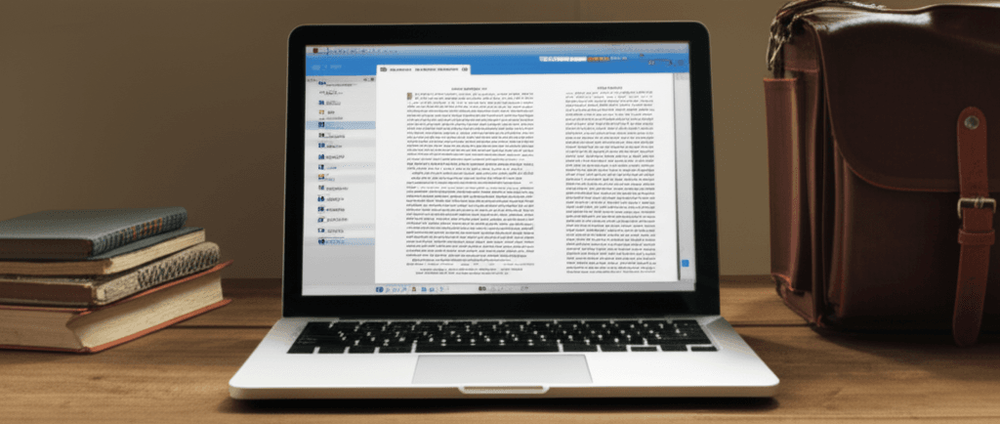
If you are an avid book reader and travels a lot then this article on best Epub reader is going to help you a lot in reading while travelling.
Technology News is surprising us with the latest developments every day. In every field, there is a new gadget that accommodates different aspects of your life. Now people use different devices to watch tv-series or movies other than television sets. In the same way, more and more people are opting out for Epub Reader for reading books. The reason behind this conversion is that most people have not much space in their houses to store all the books they buy. Moreover, buying a paperback or a hardcopy of a book is way costlier than buying the digital version of the book.
But for reading a book on a tablet, you need to have an Epub reader. Even though there are many costly tablets available out there in the stores that are specially made for reading books, But, seldom do people have that kind of money. By getting epub readers, you will be able to read your favorite books on your Windows PC quite easily. As there are multiple epub readers available online, you might face some problems while choosing the right one for you. But do not get worried, as this blog will allow you to select the best epub reader for your PC.
Table of Contents
Best Epub Readers in 2026 That Will Change The Way You Read:
The following epub readers are quite popular among the bibliophiles in the world. They are given in the next section of the blog.
Caliber:
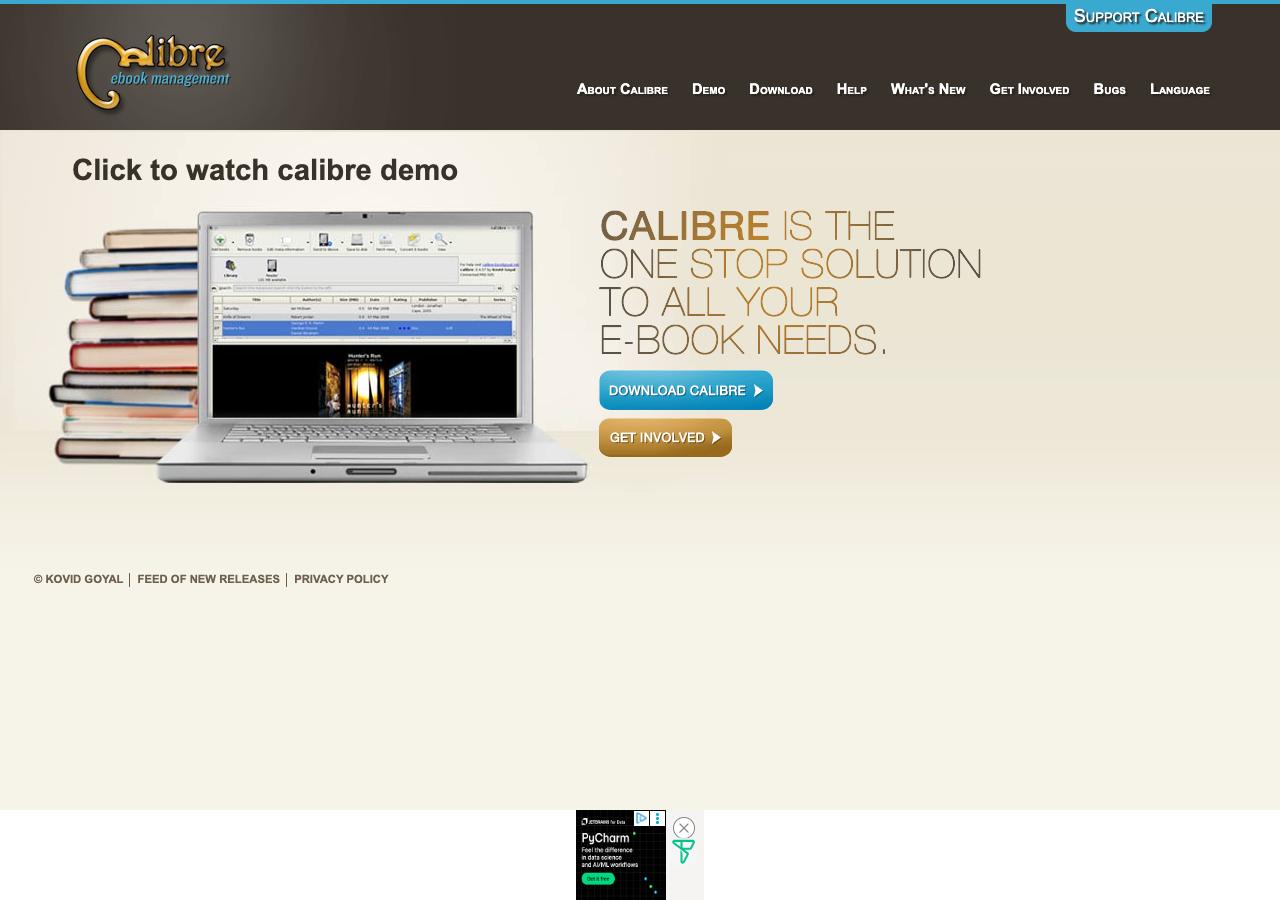
Caliber is not only one of the best epub readers, but it is a useful tool to manage ebooks quite efficiently. It is a perfect document viewer, as well. You will not only be able to read your books by using this on your Windows PC, but you will be able to format the eBooks as well. The document editor available in the viewer allows you to edit the essential documents quite easily.
By using this reader, you will be able to look up the meaning of any work in the book quite easily, even when you are not online. If you are aware of CSS or HTML, you would not have any problem with customizing the reading theme of the book.
Also Read: Best Torrent Sites (100% Working)
Cover:
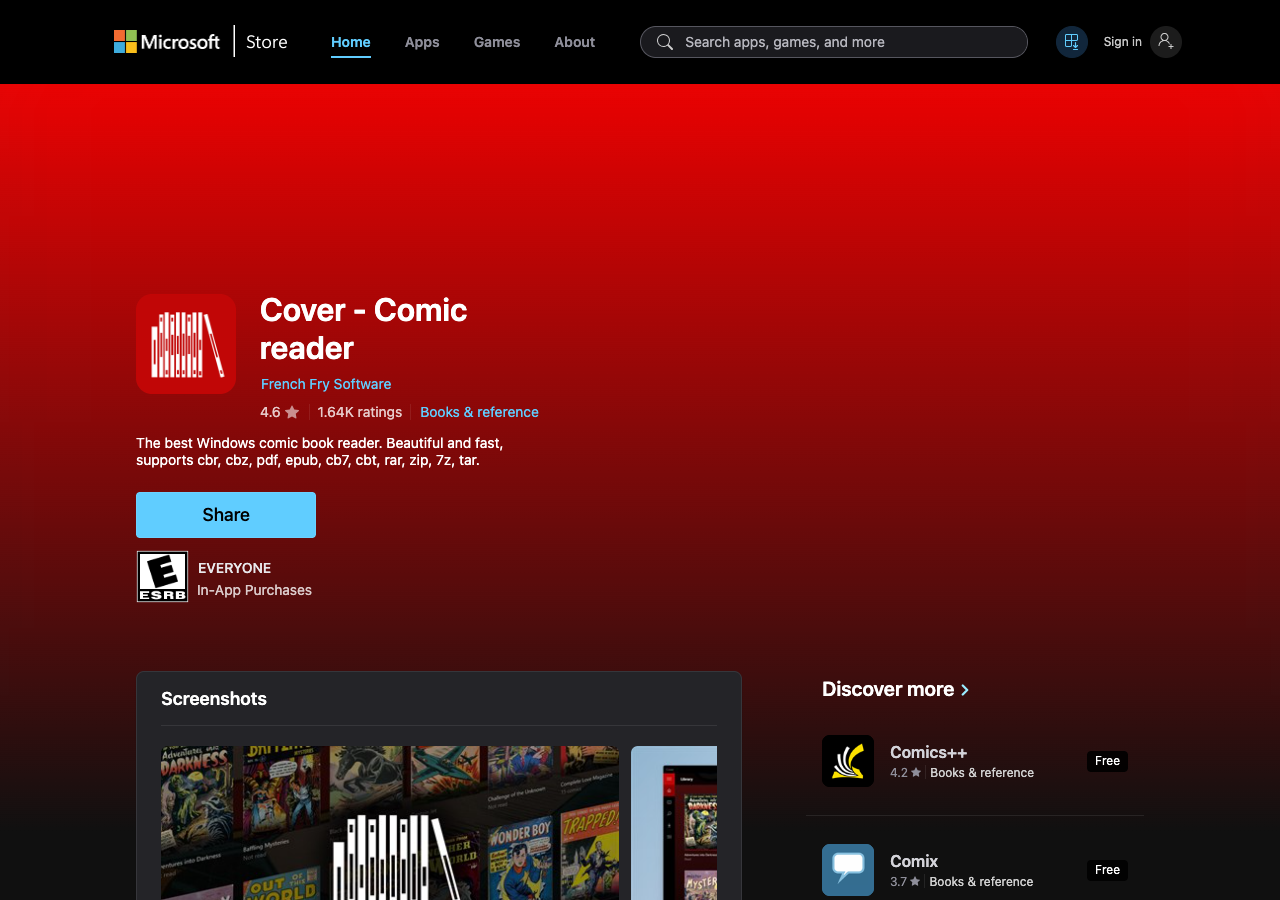
If you are a lover of comic books, you will want to get Cover as it is the best ebook reader for pc when it comes to comic books. Many people do not get the chance to read their favorite comics on their PC, but with Cover, you will not only be able to read them, but the images of the books will be of higher definition. As you know, comics are best known for their impeccable life-like drawings; it is quite essential for you to get the appropriate images. That is why this app is being listed in this blog.
Even if you are not a comic book reader, you will be able to use this reader to read books that consist of a lot of images and colorful covers.
Adobe Digital Editions:
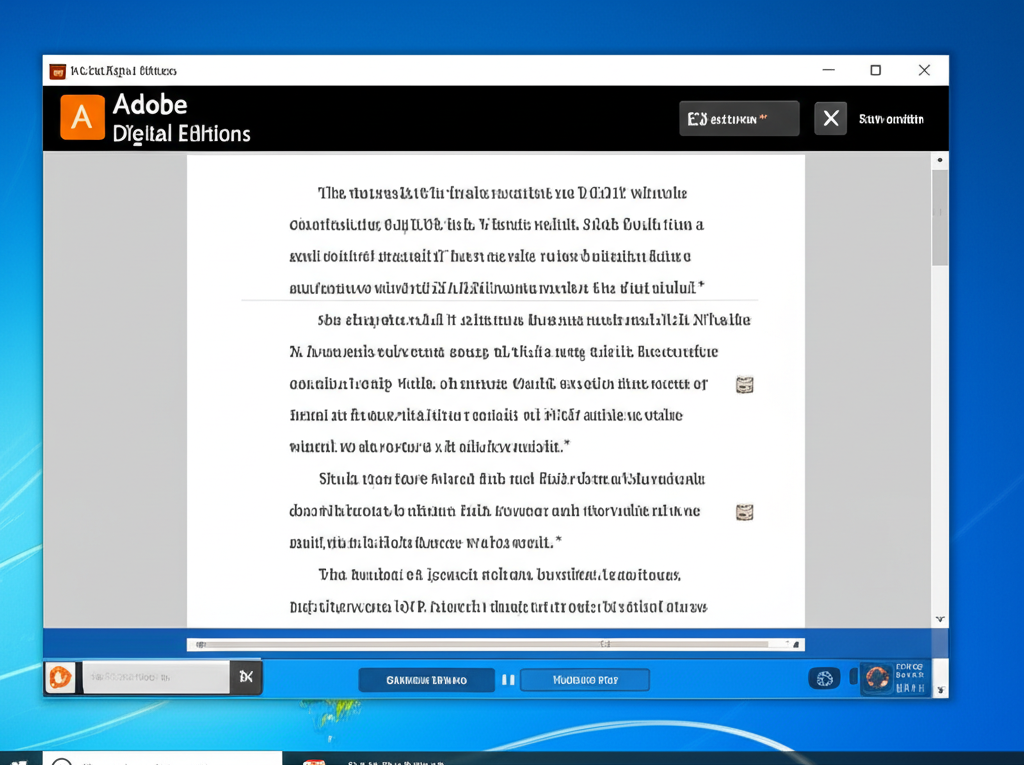
In case you are a proof-reader by profession, you will find the Adobe Digital Editions to be quite handy. It not only supports the epub format, but it supports PDF and epub three formats as well. For all the freelance proof-readers out there, this app will genuinely change the way you work. You will not only be able to edit the books easily, but you will be able to make different bookshelves as well to categorize the books into various segments.
You can sync your Adobe account through this app and access all of your work in any Windows PC quite effectively. The app allows you to add pop-ups in different sections of the book where you can add your reviews and edits.
Also Read: Best uTorrent Alternatives
Kobo:
If you are searching for the best epub reader for windows 10, then look no further as Kobo is one of the best options for you. Not only does this application allows you to read your desired books on your PC, but it also lets you buy books from its store. The advantage that Kobo has over other ebook sites like Kindle is that it allows epub and epub3 formats as well to its users. You will be able to buy books with epub format directly from the online store of Kobo.
The app offers several exciting features that will make your reading experience even more engaging. Some of them are progress tracking, bookmarks, search tab, and others. You will be quite surprised to see the quality of books available in the Kobo store.
Freda:
Freda is one of the oldest epub converter apps available online that supports old OS as well, including Windows CE and Windows Vista. Apart from Windows, this app also supports Android and offers free services to all of its users. Not only does the app offers an epub view, but it also supports TXT and HTML format ebooks. Using this app is quite easy as it allows you to gain any information regarding the different features if you simply hover around the tab.
The app is quite user-friendly, and it is perfect for dyslexic readers as well. You will see the app has a separate font named “Open Dyslexic” for all of the said readers. The app lets users connect their DropBox or One Drive account for backing up all the necessary data.
Also Read: Best Primewire Alternatives For All
Bookviser:
Most people who read a book on apps like Kindle can vouch that they do not get the authentic feel of a book while reading there. But if you get the Bookviser app, you will be quite surprised to see that you will feel like reading an actual book while using the app. You will be able to flip the pages virtually while reading. But do not think this app as backdated as it is the best free epub reader with all the modern amenities that are mentioned in the other apps on the list.
You will be able to pin any title of any book on the home screen of the app, and also you will be able to share quotes or any dialogues from your favorite books through email or any other apps.
EPUB File Reader:
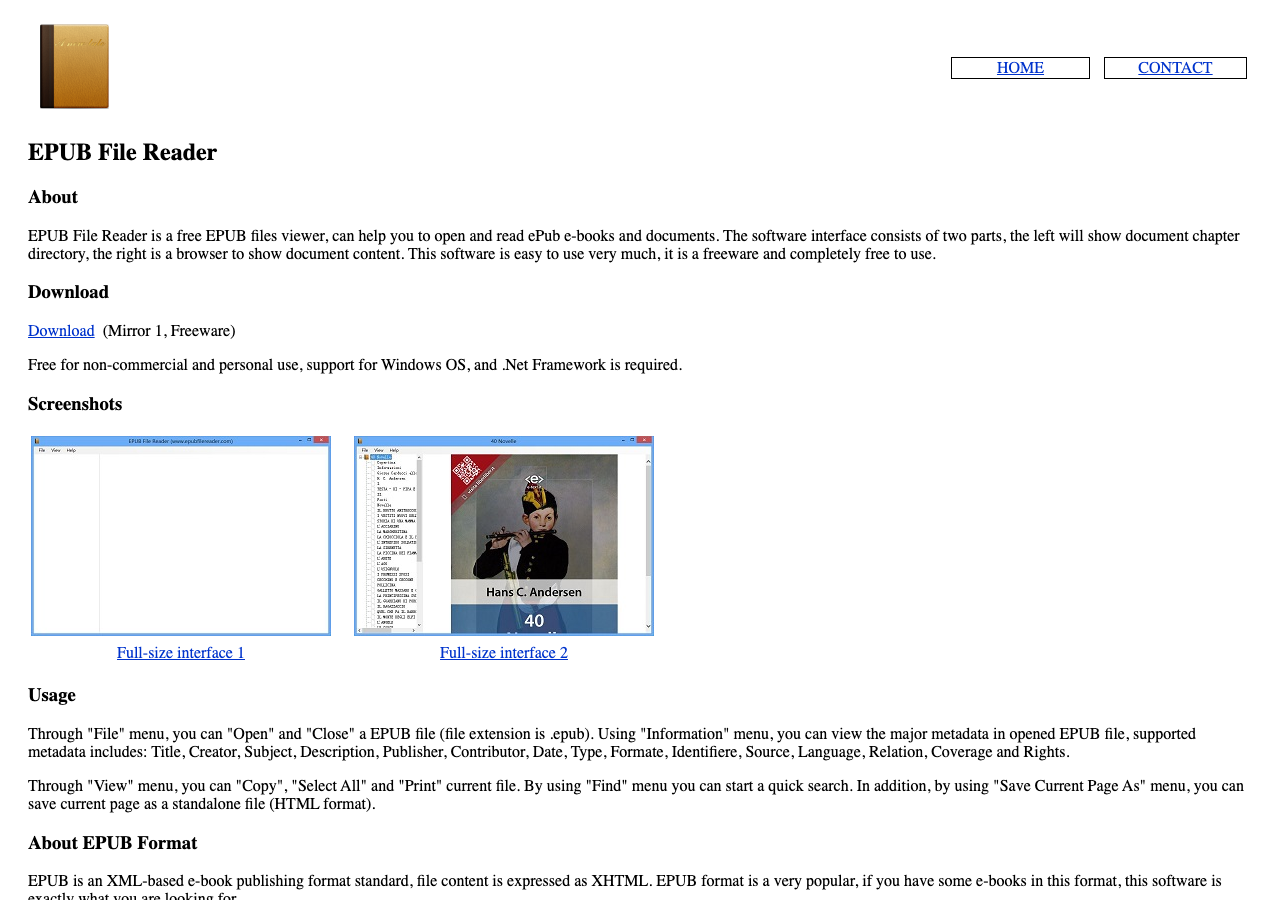
If you are looking for a free app that accommodates epub format for your Windows PC, then this app is perfect for you. Even though it only works on a DOT NET framework, it is quite useful and does its job quite impeccably. The app does not offer any unique features like other apps for the same purpose, but it is pretty easy to use. You can even access all the necessary functions by using short-cut keys.
The app allows its users to save any part of their books in HTML format by merely accessing the right-click menu. Moreover, it also lets you print any part of the book quite quickly.
Also Read: Best Skype Alternatives for Your PC
Sumatra PDF:
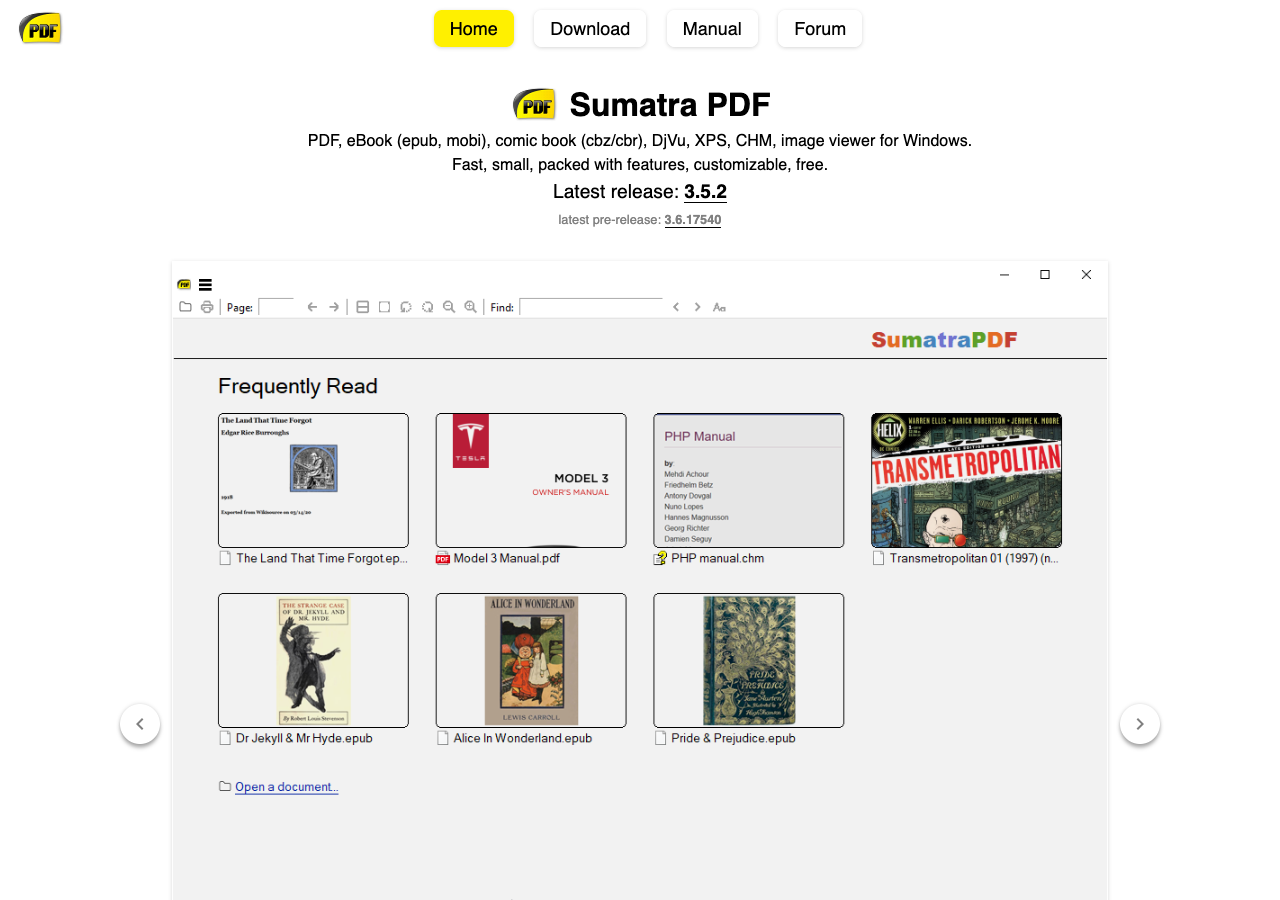
Sumatra is one of the best epub viewer apps found online because not only does it support epub format, but it also supports CBR, MOBI, PDF, CBZ, and other formats. You will not even have to access Google browsers like Firefox or Chrome to access the app. Through Windows 10 only you will be able to open the app. As the background of the app is light yellow, your eyes will not get tired after prolonged reading.
The app is pretty easy to use, and it stays to the point. You will not even require a large amount of space on your PC to use this app as it has a size of merely 5 MB.
Bibliovore:
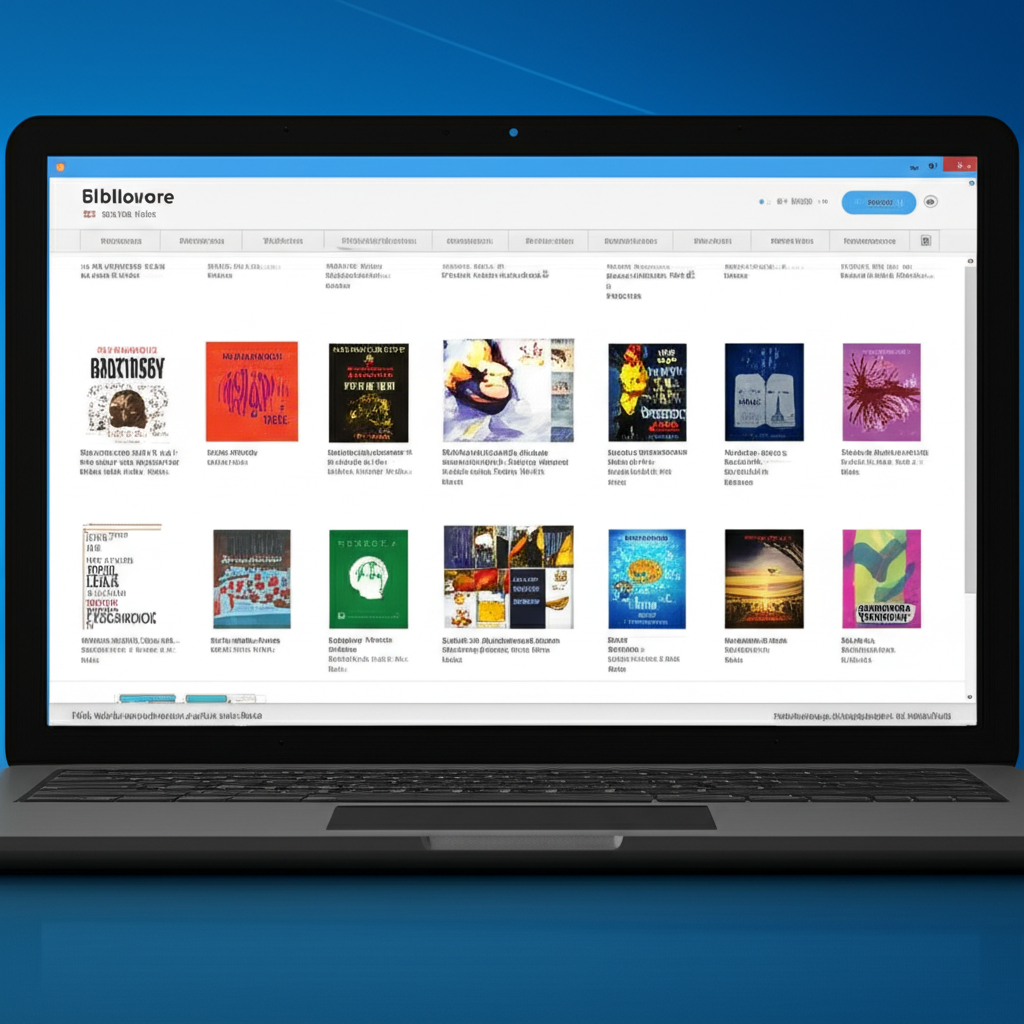
Bibliovore is perfect for the true bibliophiles in the world because it only takes 10 to 15 seconds to load a new book. It is compatible with not only Windows PC but with other devices as well, including mobiles, tablets, smartphones, and others. As the app offers different themes for reading, you can change it according to the time of the day. It has some exciting reading themes, including Monochrome, Sepia, Sand, and others.
You can use the landscape mode as well to read the book in a larger area by using this app. By accessing Bibliovore, you will be able to read several thousand books that are available for free in their online library.
Also Read: Best Driver Updater Software for Windows
Reader for PC by Sony:
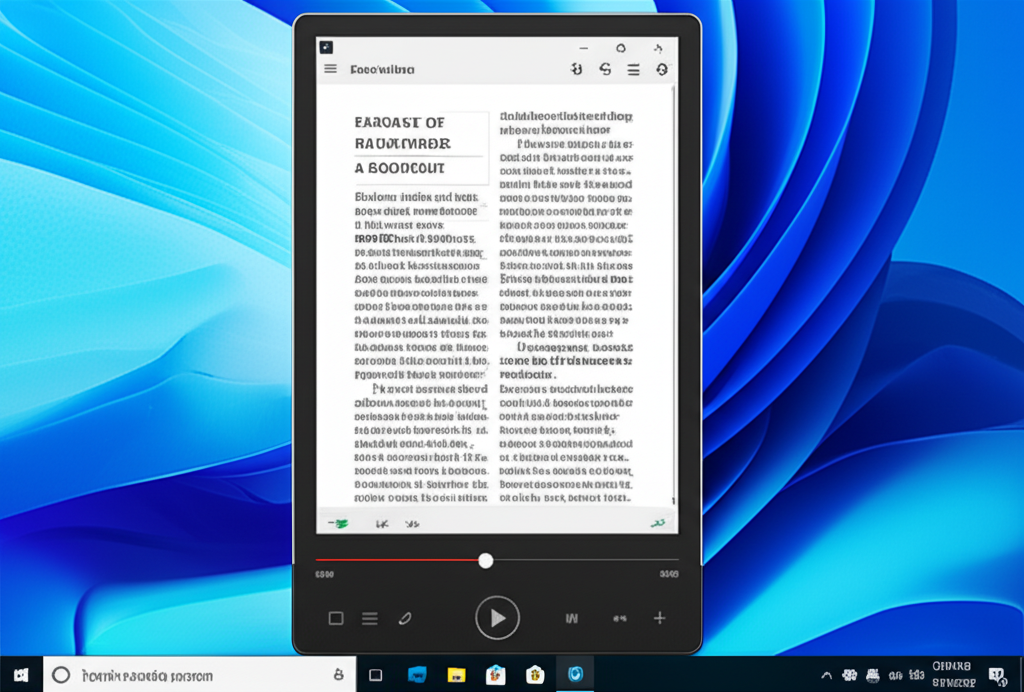
Even though the name of the app is “Reader for PC by Sony,” but Sony is currently not a part of this app. But it is the best epub reader download you can do online, as it not only accommodates eBooks, but it is also compatible with audiobooks, notes, periodicals, and pictures as well. Apart from the epub format, it also supports other formats like RTF, PDF, and others.
The app is pretty user-friendly, as you can simply drag and drop your ebook into the reader, and it automatically gets saved in your library. Reader for PC not only supports MP3 format but M4A format as well in case of audiobooks.
Conclusion:
The list of all the fantastic epub readers provided above is quite meticulously researched. You can test them quite quickly because all of them are entirely free.
Filed under